



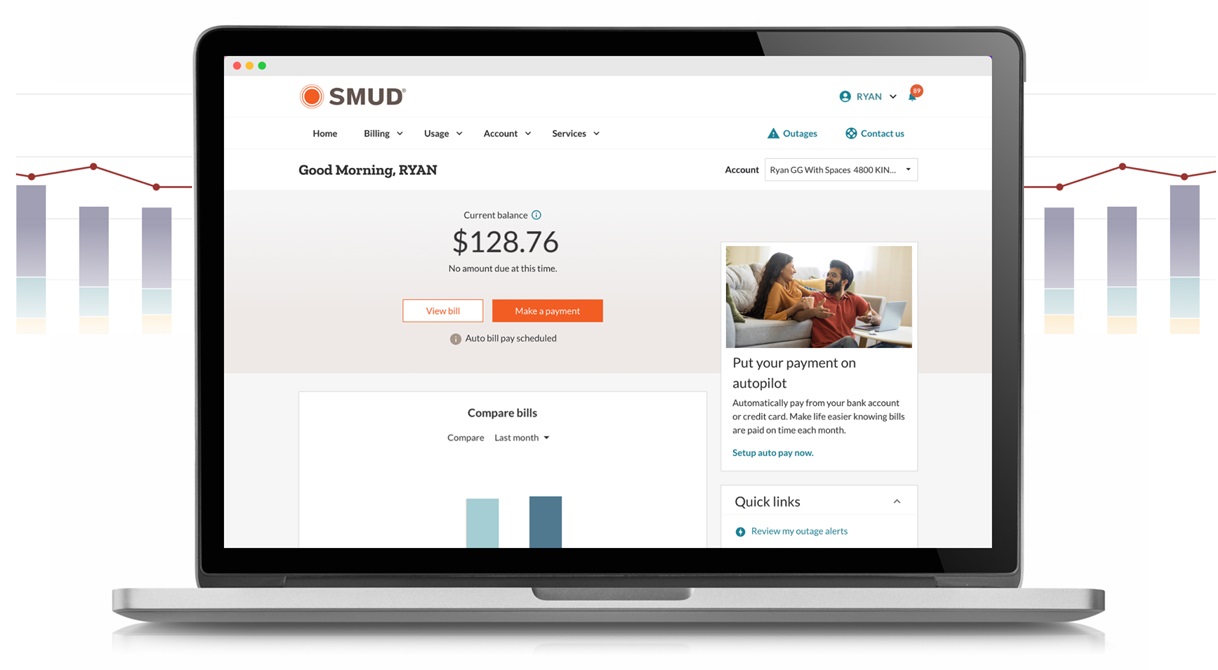
My Account tshiab yuav los
Peb tab tom ua My Account zoo dua nrog cov cuab yeej tshiab thiab nta. Tshawb nrhiav seb qhov kev hloov pauv twg cuam tshuam rau koj.
 |
Tseem Ceeb: Thov xyuas kom tseeb tias koj cov ntaub ntawv tiv tauj tau hloov tshiab hauv My Account kom peb thiaj li ceeb toom rau koj thaum twg My Account tshiab muaj. |
FAQs
Puas yog kev tsiv mus rau lub platform tshiab yuav cuam tshuam rau kuv qhov kev pabcuam hluav taws xob?
Tsis yog, koj qhov kev pabcuam hluav taws xob yuav tsis raug cuam tshuam. Tus Account My Account uas tau hloov kho tshiab no yog cais los ntawm koj qhov kev pabcuam hluav taws xob.
Kuv tuaj yeem tshaj tawm cov teeb meem li cas?
Yog tias koj xav tau kev pab siv My Account tshiab, thov hu rau peb.
Kuv yuav muab cov lus taw qhia txog My Account tshiab li cas?
Peb xav paub koj xav li cas txog cov cuab yeej thiab cov yam ntxwv tshiab hauv My Account. Thaum koj nkag mus rau hauv lawm, xaiv qhov Give feedback tab nyob rau hauv qab ntawm txhua nplooj ntawv My Account. Peb saib koj lub tswv yim rau nqi thiab siv cov lus taw qhia ntawm cov neeg siv khoom los txhim kho.
Kuv tus ID nkag mus yuav hloov li cas?
Tsis tau, koj tseem siv tau koj tus ID neeg siv SMUD thiab password tam sim no. Yog tias koj muaj teeb meem nkag mus rau hauv, peb xav kom koj pib dua koj tus password ua ntej koj tiv tauj peb.
Puas yuav siv kuv cov kev ceeb toom thiab kev xaiv ceeb toom mus ntxiv?
Koj cov kev nyiam yuav tsum nqa mus rau lub app tshiab. Tom qab koj nkag mus rau hauv lawm, peb xav kom koj rov xyuas koj cov chaw teeb tsa kom paub tseeb tias txhua yam zoo li yog lawm.
Kuv yuav ua li cas thiaj cia ib tug neeg nkag mus rau My Account kom ruaj ntseg?
Koj tuaj yeem teeb tsa kev nkag mus rau tus qhua rau ib tus neeg koj ntseeg siab. Cov qhua tuaj yeem saib lossis pab tswj koj tus account siv lawv cov ntaub ntawv nkag mus. Yuav ua li cas yog tias kuv yog tus qhua siv thiab tsis pom tus account uas kuv tau siv los nkag mus?
Tus tswv ntawm tus account yuav tsum tau teeb tsa koj qhov kev nkag mus rau qhua dua. Yog tias koj muaj teeb meem, hu rau tus tswv ntawm tus account lossis tiv tauj peb kom tau kev pab.
Kuv txoj kev them nyiaj puas yuav raug cawm hauv Kuv Tus Account?
Yog, koj cov kev them nqi thiab kev them nyiaj uas tau khaws cia ua ntej yuav nqa mus rau My Account tshiab.
Kuv puas yuav tau ua dab tsi yog tias kuv siv Auto Bill Pay?
Tsis yog, peb yuav nqa koj daim ntawv sau npe them nqi tsis siv neeg mus.
Kuv yuav ua li cas them nyiaj siv Venmo, Apple Pay, Google Pay lossis PayPal?
Tom qab koj nkag mus rau hauv lawm, mus rau ntawm Daim Ntawv Them Nqi ces xaiv cov txheej txheem them nqi. Xaiv +Ntxiv txoj kev them nyiaj thiab ua raws li cov lus qhia kom xaiv hom kev them nyiaj uas koj xav txuag.
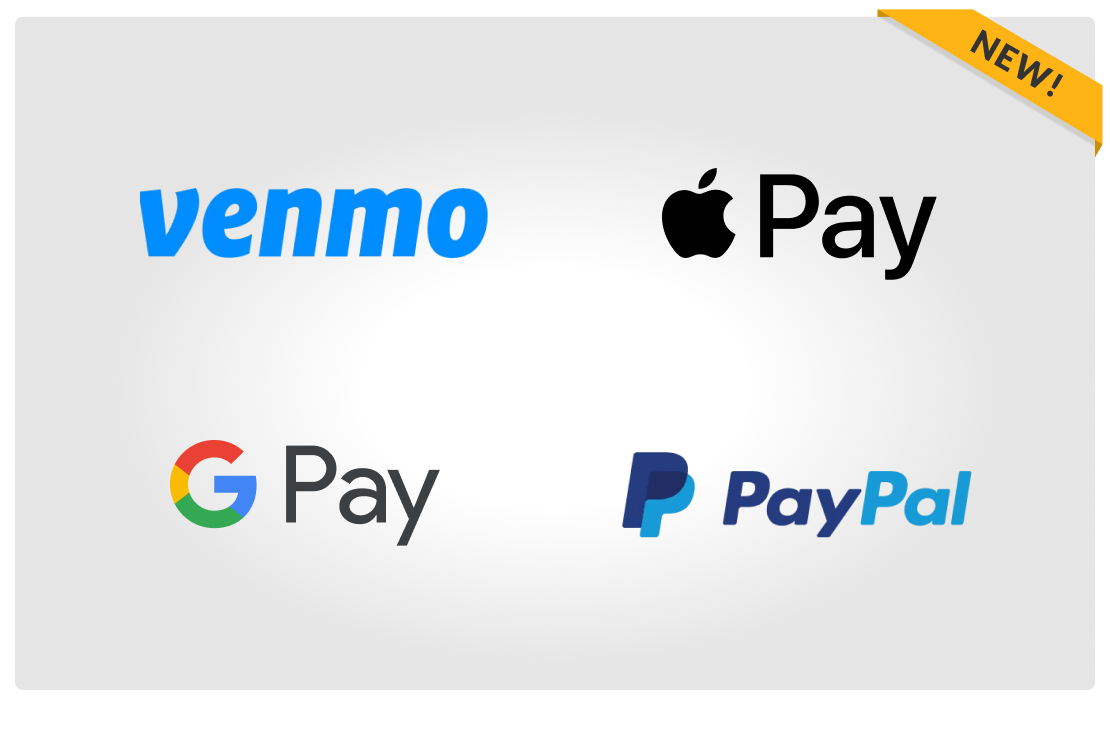
Kev xaiv them nyiaj tshiab
Txhim kho kev them nyiaj nrog Venmo, Apple Pay, Google Them lossis PayPal
Txaus siab rau kev nyab xeeb, yooj yim them nqi nrog peb lub hnab nyiaj digital tshiab. Tam sim no koj tuaj yeem them sai sai nrog koj txoj kev them nyiaj digital uas koj nyiam. Yooj yim, ruaj ntseg thiab yooj yim - tag nrho hauv ib qho chaw.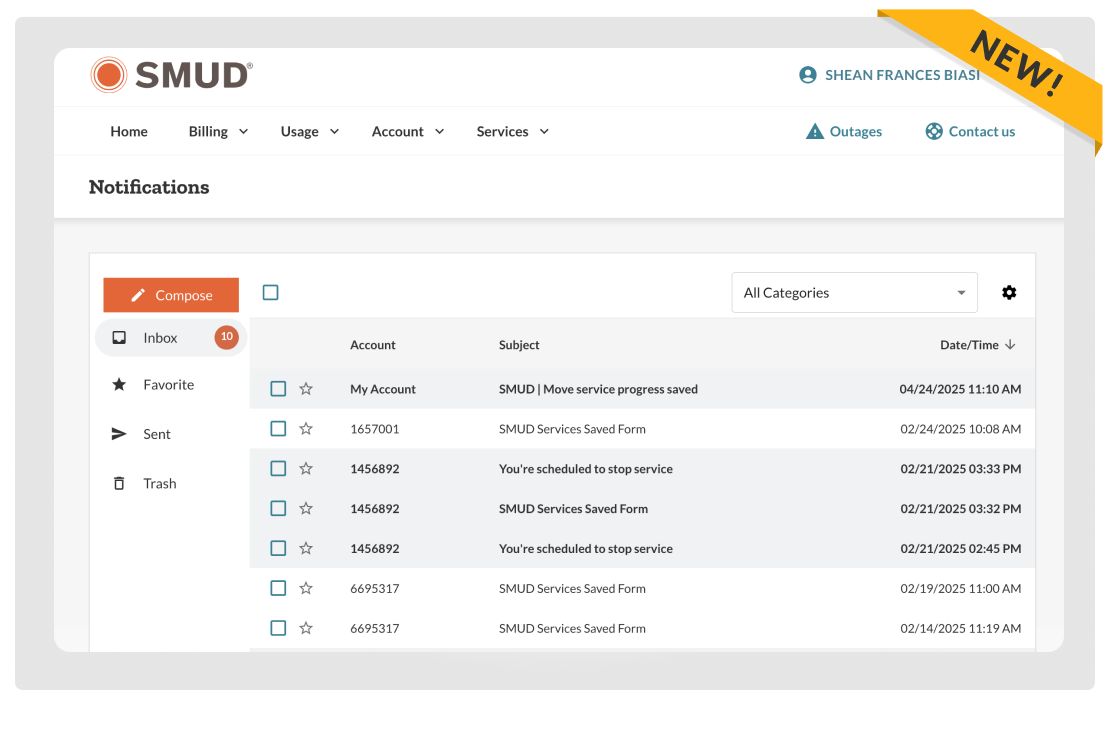
Ruaj ntseg messaging inbox
Tag nrho koj cov lus tsuas yog nyem tam sim ntawd
Xa cov lus ruaj ntseg rau peb pab neeg txhawb nqa thiab khaws tag nrho koj cov lus hauv ib qho chaw. Peb mam li hais sai sai rau koj cov nqi them nqi, kev them nqi lossis cov lus nug hauv tus account.Dab tsi tseem zoo li qub
Daim ntawv qhia kev tsis txaus
Daim duab siv zog
Guest nkag
Tswj cov ntawv ceeb toom
Kev Them Nyiaj
Kev npaj them nqi
Online daim nqi saib
Tswj koj qhov kev pabcuam
Cov kauj ruam tom ntej

Nyob twj ywm paub txog cov kev hloov tshiab
Xyuas kom tseeb tias koj tus account email yog hloov tshiab kom tau txais cov lus tseem ceeb ntawm My Account ncaj qha rau hauv koj lub inbox.
Tshawb xyuas koj cov ntaub ntawv tam sim no